Is Omnisend the right next tool for your store?
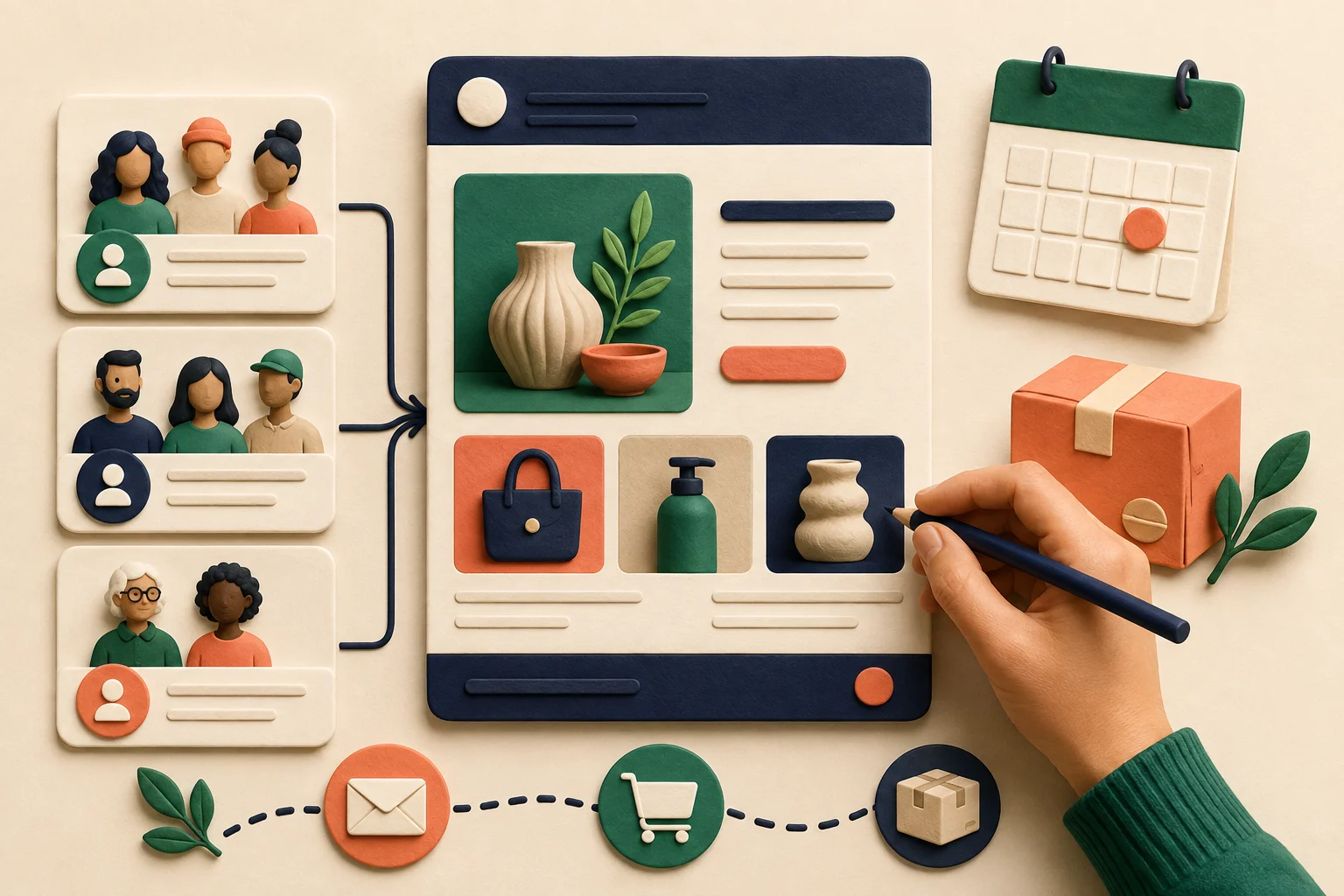
Someone signs up for your newsletter, then hears nothing. Another customer buys a product but never learns about the refill or matching accessory. Omnisend is worth evaluating when you want to make those follow-up messages a repeatable part of running your store.
It combines email marketing with automation and other messaging channels. Its Shopify listing describes welcome, abandoned-cart and post-purchase workflows. Official Shopify listing
Our take: start here when your problem is staying in touch with an existing audience. For answering incoming questions in real time, the ConversionIQ guide addresses a different requirement.
This source-based guide was checked on September 6, 2026. We have not run live campaigns with Omnisend or measured a sales uplift. Examples below are proposed tests, not results from our own store.
What does the AI actually help with?
Omnisend documents AI assistance for subject lines, the preview text next to them, and email copy. Its email optimization guide requires a connected store and describes reviewing or refining generated suggestions. AI email documentation
Think of AI as a first-draft assistant. Give it a real product, a real offer and one reason the recipient might care. Then check every promise. “Perfect for every skin type” is not a harmless flourish if your product information does not support it.
Segmentation means putting contacts into groups based on useful conditions. Omnisend's AI Segment Builder turns a plain-language request into filters and shows matching contacts. AI getting-started guide
A useful example is “customers who bought coffee beans but not a grinder.” Before sending, inspect the actual rules and sample recipients. The task is to select the right people, not simply accept a group with a convincing name.
Product recommendations need your store's context
Omnisend describes personalized product recommendations using shopping behavior. Availability and limits should be checked against the selected plan. Official AI features
For a small catalogue, a manually chosen accessory may be enough. For a larger store, personalization becomes more interesting, but you should still test the recommendation, price and destination page. A customer who just bought a durable appliance may not appreciate an immediate offer for the same appliance.
- Choose: one audience with a clear reason to hear from you.
- Draft: one message and one useful next step.
- Check: recipients, product details and mobile rendering.
- Learn: review useful clicks, purchases and unsubscribes.
Pricing: your contact list changes the bill
Omnisend's pricing calculator depends on list size. Its definition of billable contacts includes subscribers and non-subscribers who received automated messages; unsubscribed contacts are excluded. The Free plan lists 250 contacts and 500 monthly emails. Current pricing and contact definition
The Shopify listing gives Standard a starting price of $16 per month for up to 500 contacts and 6,000 emails. That is an entry tier, not a flat price for every store. Introductory discounts can change the displayed amount. Standard plan listing
| Input | What to prepare | Why it matters |
|---|---|---|
| Contacts | Your billable list size | Determines the relevant price tier |
| Emails | Campaigns plus automated sends | Both use sending capacity |
| Other channels | Destination countries and expected volume | SMS has separate cost assumptions |
| Required features | The exact AI and automation functions | Prevents buying the wrong tier |
For example, sending four newsletters to 400 people means 1,600 emails before any welcome or follow-up sequence. That simple calculation is more useful than comparing a headline price alone. SMS pricing also depends on country and volume, so a low advertised starting rate is not a universal rate. Pricing details
For new paid subscriptions from May 4, 2026, SMS requires Pro and is purchased separately, with no SMS credits included by default. See our pricing guide and the official 2026 plan documentation.
OmnisendMake your next email useful to the customerCheck the features, pricing and eligibility you need before signing up.Explore Omnisend
Language and audience checks before sending
The Shopify listing names English as the app language. Omnisend's AI writing documentation discusses multilingual prompts and translation, but that does not establish a Japanese administration interface or Japanese-language support service. App listing · Writing guidance
For Japanese recipients, preview the full experience: subject, body, product names, footer and destination page. Have a fluent reviewer check the tone and offer conditions. A translated headline cannot fix an English checkout page that the customer cannot comfortably use.
Also distinguish a saved segment from permission to send. Omnisend documents that campaigns can only go to subscribed contacts, even though other contact types can appear in segments. Segmentation documentation
A practical decision after your first test
Pick one welcome message before building a complicated sequence. Check it on a phone, confirm the link reaches the intended product, and verify who receives it. Review performance alongside the time needed to maintain the campaign.
Keep it if the workflow makes relevant communication easier. Reconsider the plan if most of the work duplicates another tool or if nobody can maintain the audience rules. AI can reduce drafting effort, but your store still needs an owner for the offer and timing.
Frequently asked questions
Does Omnisend replace an on-site chat app?
Its main role in this guide is outbound campaigns and follow-up automation. Choose tools around the customer journey rather than assuming every messaging product does the same job.
Should I collect reviews with it as well?
If your priority is a dedicated product-review display, read our Loox guide. Decide which system sends each request so customers do not receive overlapping reminders.
What should I compare at checkout?
Save the contact tier, normal renewal price, sending allowance and exact features you need. A temporary discount should not be the only reason to choose the plan.
See whether Omnisend fits your businessExplore Omnisend
Share this article
Related articles

Omnisend Pricing: Free, Standard and Pro with a Practical Budget Worksheet
Understand Omnisend contact-based pricing, email allowances, introductory discounts and current SMS rules. Estimate your store’s monthly costs before choosing a plan.
Read article
Omnisend Segmentation for Beginners: Turn Customer Groups into Useful Emails
Learn Omnisend segments with simple audience examples, AI prompts, AND versus OR, subscription checks and a practical review process before sending a campaign.
Read article
Omnisend Welcome Email: Build a Helpful First Message for New Subscribers
Plan a simple Omnisend welcome email with a friendly copy example, clear entry conditions and checks for duplicate sends, mobile links and the real signup journey.
Read article